Channels have practical limits
Some issues need longer messages, attachments or asynchronous follow-up.
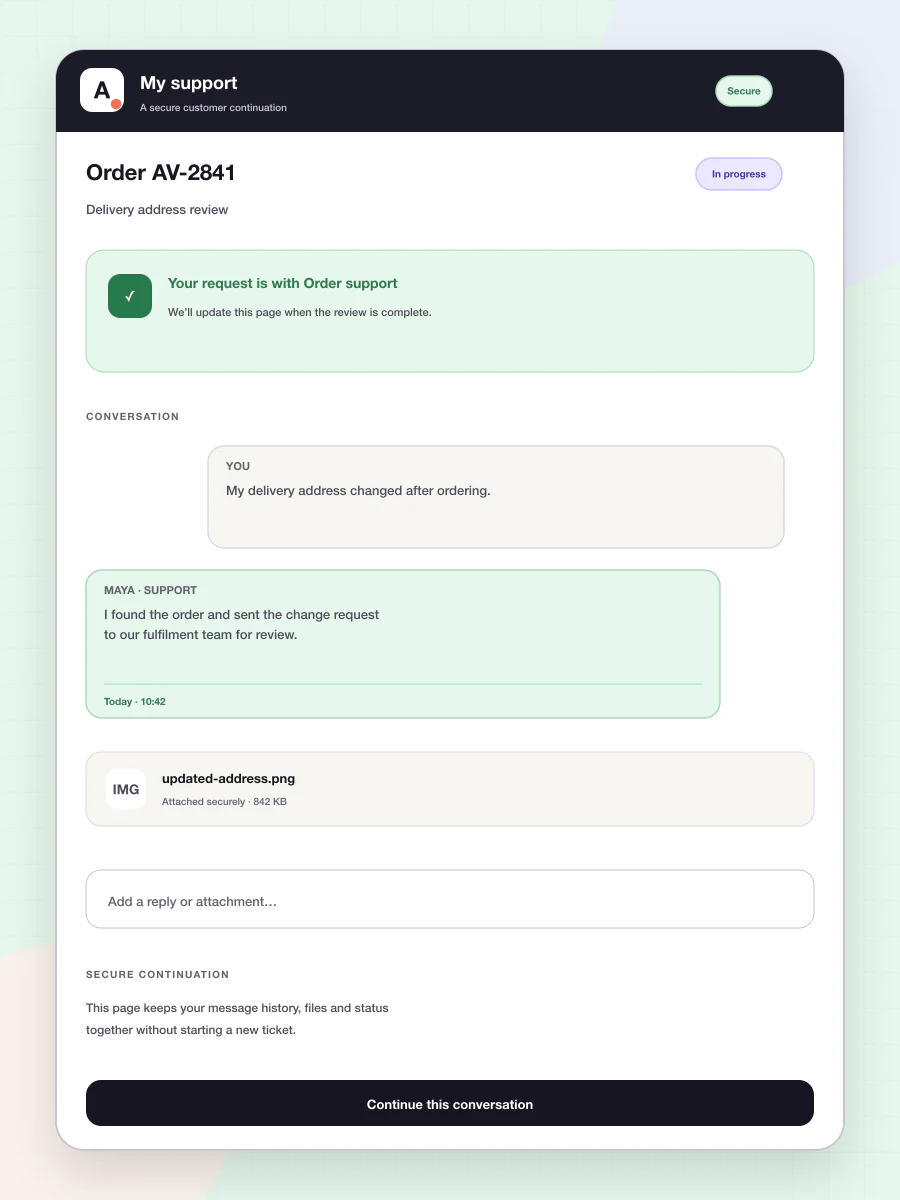
The Avimora customer portal uses a secure continuation link so a customer can reply, add files and follow the same support issue without installing an app or creating another disconnected ticket. Internal notes and staff-only metadata stay private.
Some issues need longer messages, attachments or asynchronous follow-up.
Sending a customer elsewhere can create another ticket and lose the earlier conversation.
Forced accounts and complex login flows make support feel like work for the customer.
The customer opens a secure, organization-branded link on mobile or desktop, sees the relevant conversation, replies and uploads files. The response returns to the same Avimora ticket.
Avimora uses opinionated defaults so the team can start with a complete workflow instead of a configuration project.
Send a secure link when the conversation benefits from more space or files.
Open the same logical ticket without making the customer repeat the issue.
The customer replies and the agent sees the update in the workspace.
Use unguessable, limited access rather than a public ticket identifier.
Let the customer continue in a web browser.
Support images and files within configured limits.
Show the customer-facing state without exposing internal workflow.
Keep the continuation usable on narrow screens.
Return every update to the same support relationship.
Continue without repeating the problem.
Receive attachments and updates on the existing ticket.
Handle return, damage or delivery evidence in one thread.
The intended continuation experience avoids forced account creation and uses a secure scoped link.
Yes, where attachments are enabled and within the configured type and size limits.
No. Internal notes and staff-only metadata must never be exposed.
It is intended to preserve one logical ticket and conversation history.
The security direction supports expiration and revocation where appropriate. Exact product controls should be verified before promising a specific duration.
Use AI Website on your website, Customer Support with your team, or bring both products together.