Questions happen before purchase
Customers need a quick way to ask about products, delivery or policies while the decision is still active.
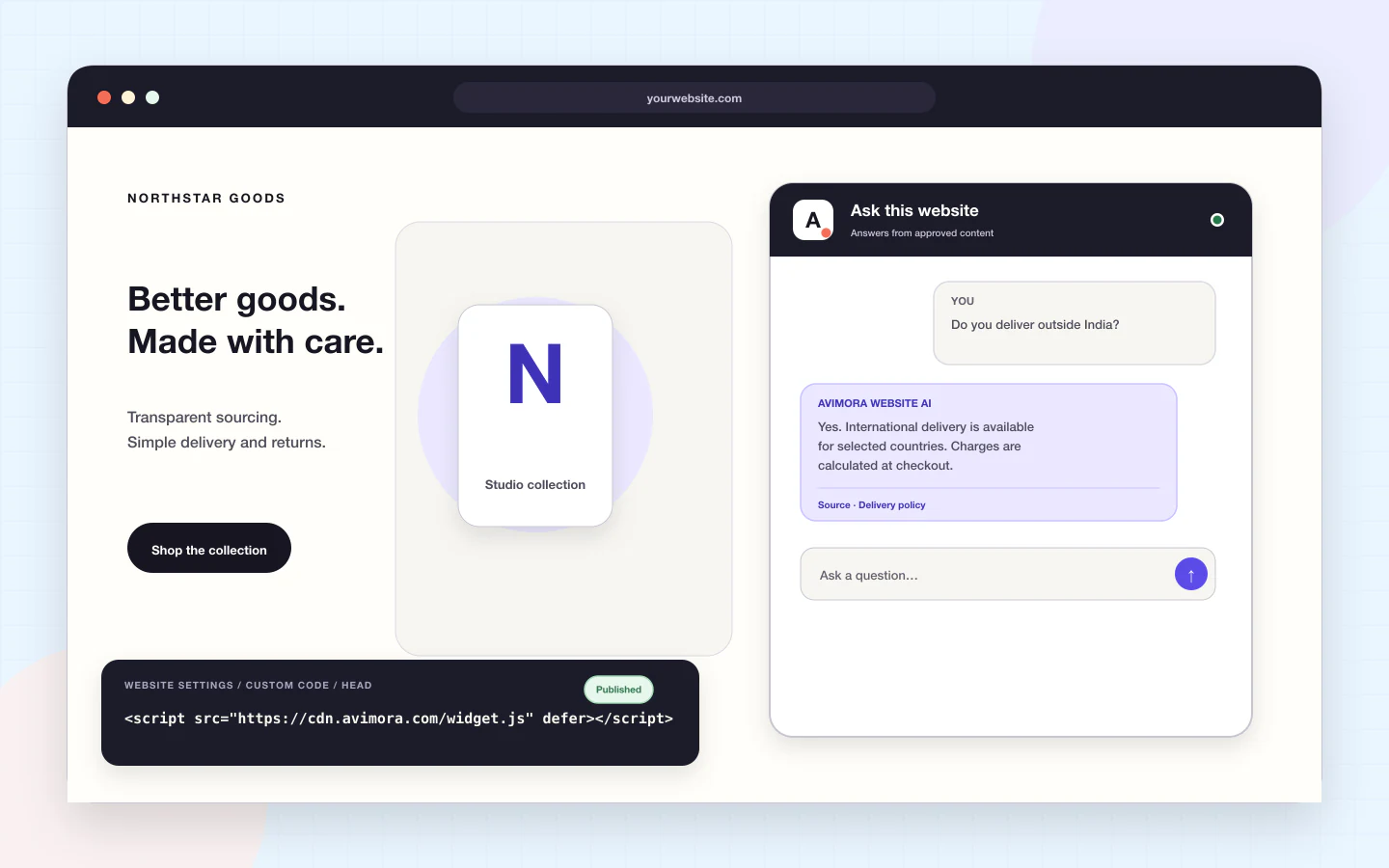
The Avimora website customer support widget lets a growing business start conversations directly on its site. One asynchronous JavaScript snippet loads the responsive widget without blocking the page, then sends each customer conversation into the Avimora inbox.
Customers need a quick way to ask about products, delivery or policies while the decision is still active.
A generic form creates a new message but rarely gives the customer a clean way to continue the same conversation.
A support layer should load asynchronously, reserve its space and stay out of the host page’s rendering path.
The customer opens the widget, chooses an Instant Answer or writes a message, and adds a file when needed. Avimora creates the conversation, preserves the website context and places it in the support queue.
Avimora uses opinionated defaults so the team can start with a complete workflow instead of a configuration project.
Place one deferred Avimora script inside the head tag or through your site’s approved custom-code workflow.
Set the colour, greeting, launcher position and up to the plan’s available Instant Answers.
New conversations appear in the inbox with the customer, page context and any attachments.
The widget is designed not to block the host page.
The experience adapts to desktop and mobile browsers.
Offer approved answers to predictable questions before a ticket grows.
Customers can add images and files where the plan allows.
Longer conversations can continue through a scoped web link.
Labels, focus order and keyboard behaviour are treated as product requirements.
Start with one channel before introducing a larger support operation.
Answer product, delivery and return questions on the storefront.
Receive website conversations as structured, owned work.
Add the configured Avimora JavaScript snippet to the website. It is intended to load asynchronously so it does not block the page.
The current product direction includes configurable colour, greeting and basic widget branding. Exact controls depend on the selected plan.
Yes. Attachments are supported where enabled, with file and size limits applied by the product.
Instant Answers are administrator-defined answers to a small set of common questions. They are not a hidden or automatically generated policy system.
The widget is designed for common mobile and desktop browsers, including responsive layouts for narrow screens.
Use AI Website on your website, Customer Support with your team, or bring both products together.