Too many choices delay launch
A small team needs useful defaults before it needs a custom field for every hypothetical case.
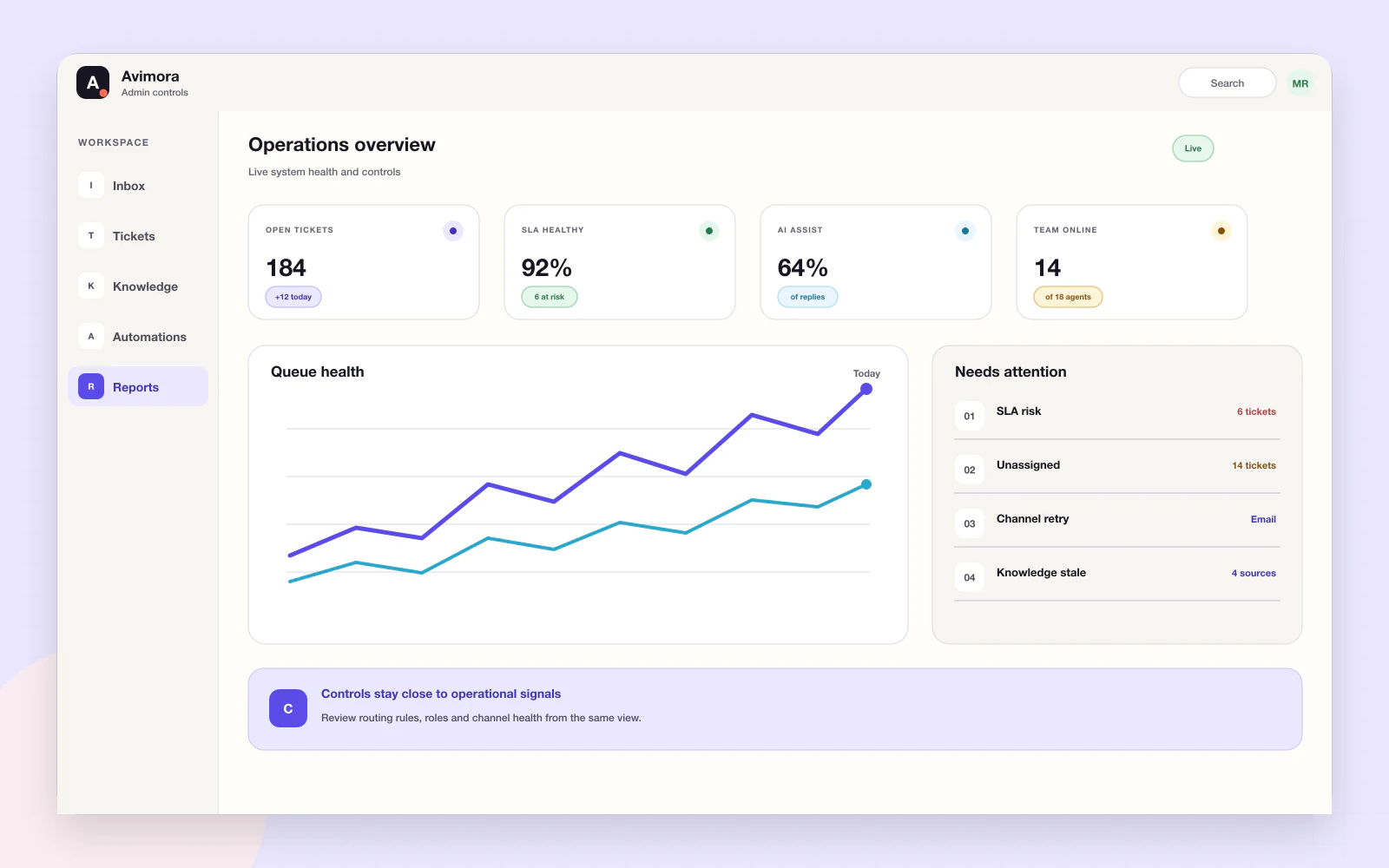
Avimora admin controls bring people, channels, widget settings, priorities, workflows, knowledge, AI boundaries, usage and billing context into one browser-based workspace. Opinionated defaults help a growing team start before it needs a support-operations department.
A small team needs useful defaults before it needs a custom field for every hypothetical case.
Permissions, AI boundaries and channel health should remain visible to the people responsible.
Platform fees, handled tickets, active agents and third-party charges need plain-language visibility.
An admin configures the widget, available channels, people, priorities, SLA rules, knowledge and AI safety. Operational views answer what needs attention rather than displaying decorative totals.
Avimora uses opinionated defaults so the team can start with a complete workflow instead of a configuration project.
Create the organization, configure the brand and connect the first channel.
Add the people who need access and keep roles understandable.
Introduce SLA, automation, knowledge and advanced reporting when the operation needs them.
Manage organization access and practical roles.
Connect supported channels and see their state.
Control brand, greeting and common questions.
Manage priorities, categories, tags, SLA and automations where included.
Set review and safety expectations for assisted work.
Keep plan, agent, ticket, AI and third-party charging understandable.
Start the workspace without an implementation project.
Set practical queues and service rules.
Keep access, risk and cost visible.
Organization owners and authorized admins configure people, channels, widget settings, knowledge, workflows, usage and billing context.
The product direction is quick self-serve setup for the widget and clear guided setup for more involved plans.
Human review and organization-level safety boundaries are part of the AI approach.
The product direction includes plan, handled-ticket, active-agent and channel visibility. Exact live reports should be confirmed during a walkthrough.
No. Avimora does not claim certifications that have not been verified.
Use AI Website on your website, Customer Support with your team, or bring both products together.